
A printed photo that plays.
Gooya AR Photo Cards pair one printed photo with one video from your event. Scan the card's QR code, point your phone at the print, and the video plays on the paper in seconds — no app install, on any modern phone.
- No app
- guests just scan
- ~2 seconds
- from point to play
- 4×6 & 5×7
- print-ready files
- One tap off
- kills every copy
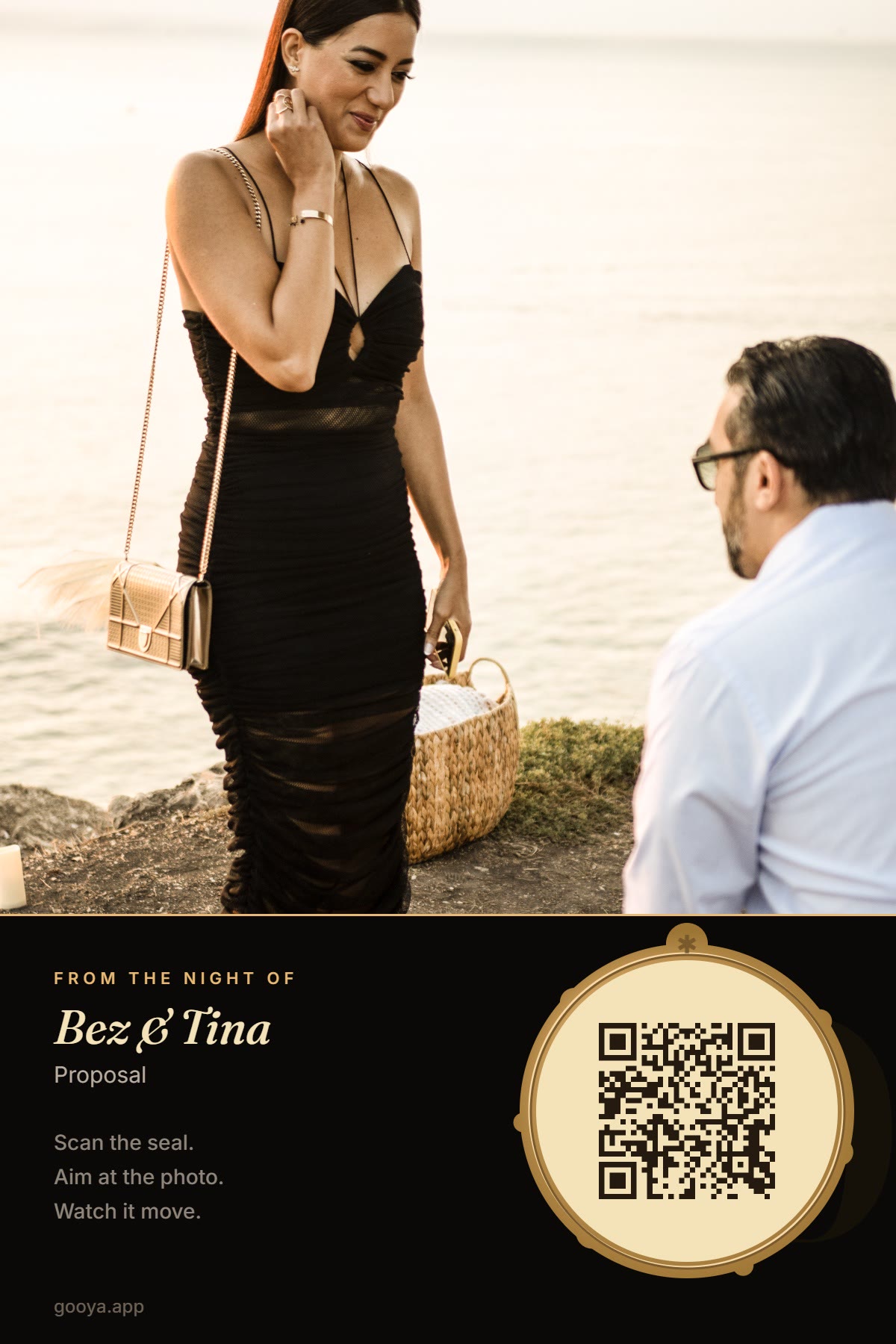
One photo. One video. One card that keeps the moment.
Pair one photo with one video
Pick the photo that gets printed and the video that plays over it — both straight from your event's private album. Gooya checks the photo will track well before you print.
Print the card
Download a print-ready 4×6 or 5×7 file — your photo with a gold wax-seal QR. Print it at home, at any photo kiosk, or on a portable printer at the event itself.
Scan the seal. Point. It plays.
Anyone scans the QR with their normal camera, points their phone at the print, and the video plays pinned to the paper — moving with the card as they tilt it.
Other AR cards make people install an app. Ours don't.
Zero install, zero sign-up
The whole experience runs from a QR scan in the phone's own camera and browser. Grandma can do it on the first try — that is the entire point.
Real memories, not decorations
The photo and video come from your event's private Gooya gallery — the actual toast, the actual vows, the actual laugh — paired by you in about a minute.
Private and revocable, any time
The QR carries only an anonymous code: no names, no links to your event. Turn a card off in your dashboard and every printed copy goes dark instantly.
Weddings. Birthdays. The people we miss.
Wedding favors that play the vows
A card at every place setting: the couple's photo on the front, the first dance or a guest's toast inside it. Guests take the night home — literally.
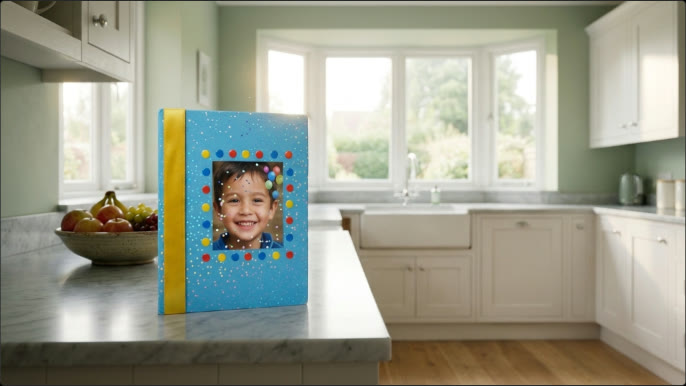
Birthday cards that sing
The birthday photo plays the candles being blown out, the song, the cheer — every year, from the same card on the fridge.
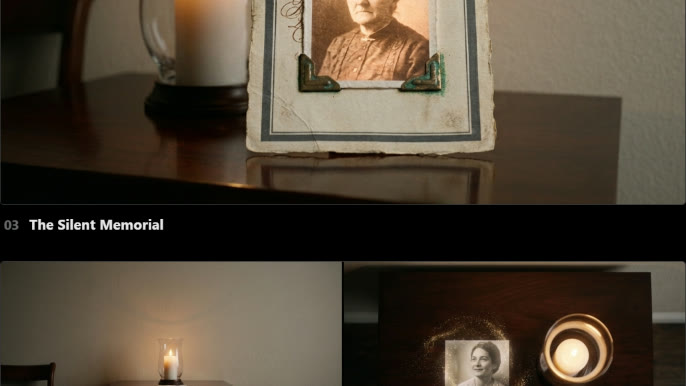
Memorial cards that keep a voice
Their photo beside a candle, and when family points a phone at it, a treasured video plays — gently, with sound only when chosen. A keepsake that holds more than an image.
Answers before you print.
What is an AR photo card?
An AR photo card is a physically printed photo paired with a video. Scanning the card's QR code opens a viewer in the phone's browser; pointing the camera at the print makes the video play directly on top of the photo, in augmented reality.
Do guests need to install an app?
No. The card works through the phone's normal camera and browser — scan the QR, tap once, point at the photo. On iPhone, an even faster App Clip experience is rolling out, and it also needs no App Store install.
Which phones does it work on?
Any modern iPhone or Android phone with a camera and a browser. If augmented reality can't run — an old device, a denied camera permission — the card's page simply plays the video flat, so nobody is ever left with nothing.
Can I turn a card off after printing it?
Yes, instantly. Every card has a Turn off control in your dashboard. The moment you use it, every printed copy of that card stops working everywhere — the QR leads nowhere and the video is unreachable. Turn it back on any time.
What photos track best?
Sharp photos with detail across the frame — people waist-up, patterned clothing, visible backgrounds. Gooya's built-in quality check scores your photo before you print and warns you if a close-up or blurry shot will struggle.
How do I get AR Photo Cards for my event?
The feature is in private beta with Gooya hosts. Email support@gooya.app and tell us about your event — beta hosts get the card maker enabled on their dashboard.
Give someone a photo that never stops happening.
AR Photo Cards are in private beta with Gooya hosts now.
Reviewed by the Gooya team · Updated August 21, 2026