How it works
Set it up once. Your guests do the rest.
Setting up a birthday party album takes about two minutes: name the event, add a cover photo, and choose whether guests can send photos, videos and voice. You get one QR code and a short link to share. Place the code where guests gather, and memories arrive all night into your private album — with no app to download and no account for anyone to create.
- *Create your birthday party event — name it, add a cover, pick photo, video and voice.
- *Print and place the QR — welcome table, tables, or a quick announcement.
- *Relive it later — everything lands in a private vault you keep.
Every angle
The moments no single camera catches.
The best birthday party moments are almost always the unplanned ones — caught by the people in the room, from angles no hired photographer can reach. When every guest is a camera, you stop relying on one person's viewpoint and start collecting the whole night: the reactions across the room, the small candid moments, and the short clips that turn out to matter most.
- *The candle-blowing, from five different angles.
- *Short clips of the singing and the speeches.
- *Voice messages from friends who travelled in.
Private & yours
A private album — not a public feed.
Gooya is write-only for guests: they send their own photos and videos and never browse what everyone else uploaded, so nothing turns into a public feed during your event. You stay in control — decide when (or whether) guests see the gallery, hide or remove anything you don't want, and download every original in one ZIP whenever you like. The memories are private, and they're yours to keep.
- *Write-only for guests — no public posts, no comparing.
- *Host-controlled reveal — seal it, then open it together.
- *One-click ZIP download keeps your own backup.
Where to put the QR
Put the code where guests already have their phones out.
For a birthday party, the QR earns the most scans on the cake or dessert table, the bar or drinks station, and a small card on each seating table. People reach for their phones during the singing and the toasts, so a code in eyeline at those moments turns a passive guest into a contributor without anyone having to explain it.
- *Cake/dessert table — the natural photo moment of the night.
- *Bar or drinks station — people linger and scroll there.
- *A small tent card per table for the seated stretch.
- *On the screen if there's a slideshow or DJ display.
What the sign says
Tell guests what happens after they scan.
A sign that only says "scan me" underperforms. Say what the scan does and who it helps: add your photos and videos to the birthday gallery. Lead with the benefit, keep it to one line, and reassure on friction — no app, no sign-up. Guests scan far more when the ask is concrete and the payoff is obvious.
- *"Scan to add your photos & videos to the party gallery."
- *"No app. No sign-up. Just your camera."
- *Add the birthday person's name to make it personal.
Photos, videos and voice
The candid clips beat the posed group shot.
The photos people treasure from a birthday are rarely the staged ones — they're the table mid-laugh, the surprise reaction, the ten-second clip of everyone singing. Gooya captures tap-for-photo and hold-for-video, plus a voice message, so a friend who can't make it can still record a happy-birthday note that lands in the same gallery as the photos.
- *Tap for a photo, hold the shutter for a short video.
- *Boomerangs and film looks for the fun, replayable moments.
- *Voice messages — birthday wishes, not just pictures.
Gooya vs the group chat
A group chat scatters the photos; Gooya gathers them.
Most birthday photos die in a group chat — buried under reactions, compressed, and impossible to download in one go months later. A QR gallery collects every guest's originals in one private place the host actually owns, with a one-click ZIP at the end. You keep the full-resolution files instead of screenshotting a thread.
- *Originals, not compressed chat copies.
- *One private album instead of ten scattered threads.
- *Download everything at once, anytime.
Kids' birthdays
For a kids' party, the parents are the photographers.
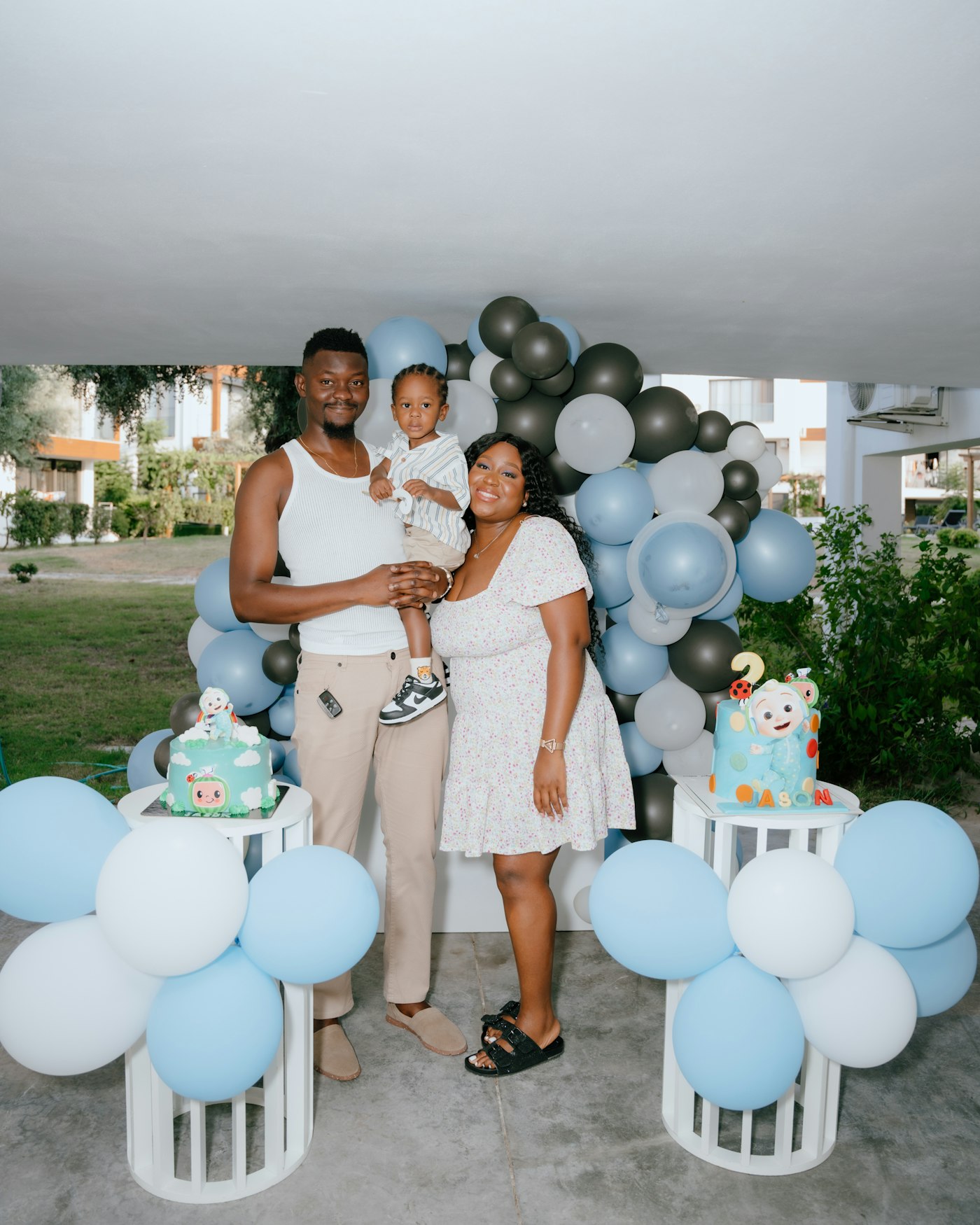
At a child's birthday the best moments happen fast and from every direction — the candles, the present chaos, the bounce house. Parents are already filming on their own phones; one QR code routes all of it into a single private album the host controls, so you end up with everyone's angle instead of asking twelve parents to text you their clips afterward.
- *Every parent's angle of the candles, in one place.
- *Host-controlled — you decide what's shared.
- *No accounts for guests, so any parent can join in seconds.
After the party
Download everything and keep it for next year.
When the party's over, export the whole gallery in one ZIP — full-resolution photos and videos you own. Keep the vault active to revisit it on the next birthday, or download and archive it wherever you like. Either way the memories don't expire quietly inside someone else's app.
- *One-click ZIP of all originals.
- *Keep the vault for anniversaries of the day.
- *Your files, your backup — no lock-in.
When guests scan
Three moments do most of the work.
You don't need everyone scanning all night — you need them scanning at the right moments. Birthday contributions spike at three points: arrival (the decorated room and first hellos), the cake and singing, and the toasts or speeches. Put the QR in eyeline at those moments and prompt it once out loud, and the gallery fills itself. A single "scan the code and add your photos" from the host during the toast reliably outperforms any number of silent signs.
- *Arrival — the room and the first candids.
- *Cake and singing — the peak photo moment.
- *Toasts — one spoken prompt here lifts everything.
What you end up with
The whole night, from every seat in the room.
By the next morning you have a single private album with the candle-blowing from five angles, clips of the singing, the gift reactions, and a handful of voice messages — the version of the night no one phone could have captured. You download it all in one ZIP, keep the originals, and revisit it next year. It's the difference between "I think someone got a video" and having every version of the moment in one place.
- *Every angle of the key moments, not just one.
- *Photos, clips and voice notes in one private album.
- *Originals you own — downloaded and kept.