How it works
Set it up once. Your guests do the rest.
Setting up a youth sports game album takes about two minutes: name the event, add a cover photo, and choose whether guests can send photos, videos and voice. You get one QR code and a short link to share. Place the code where guests gather, and memories arrive all night into your private album — with no app to download and no account for anyone to create.
- *Create your youth sports game event — name it, add a cover, pick photo, video and voice.
- *Print and place the QR — welcome table, tables, or a quick announcement.
- *Relive it later — everything lands in a private vault you keep.
Every angle
The moments no single camera catches.
The best youth sports game moments are almost always the unplanned ones — caught by the people in the room, from angles no hired photographer can reach. When every guest is a camera, you stop relying on one person's viewpoint and start collecting the whole night: the reactions across the room, the small candid moments, and the short clips that turn out to matter most.
- *The winning goal, from six parents on the sideline.
- *The plays you missed while watching your own kid.
- *Team huddles, celebrations and the post-game snacks.
Private & yours
A private album — not a public feed.
Gooya is write-only for guests: they send their own photos and videos and never browse what everyone else uploaded, so nothing turns into a public feed during your event. You stay in control — decide when (or whether) guests see the gallery, hide or remove anything you don't want, and download every original in one ZIP whenever you like. The memories are private, and they're yours to keep.
- *Write-only for guests — no public posts, no comparing.
- *Host-controlled reveal — seal it, then open it together.
- *One-click ZIP download keeps your own backup.
The problem every sports parent knows
You can watch your kid, or you can film the game — not both.
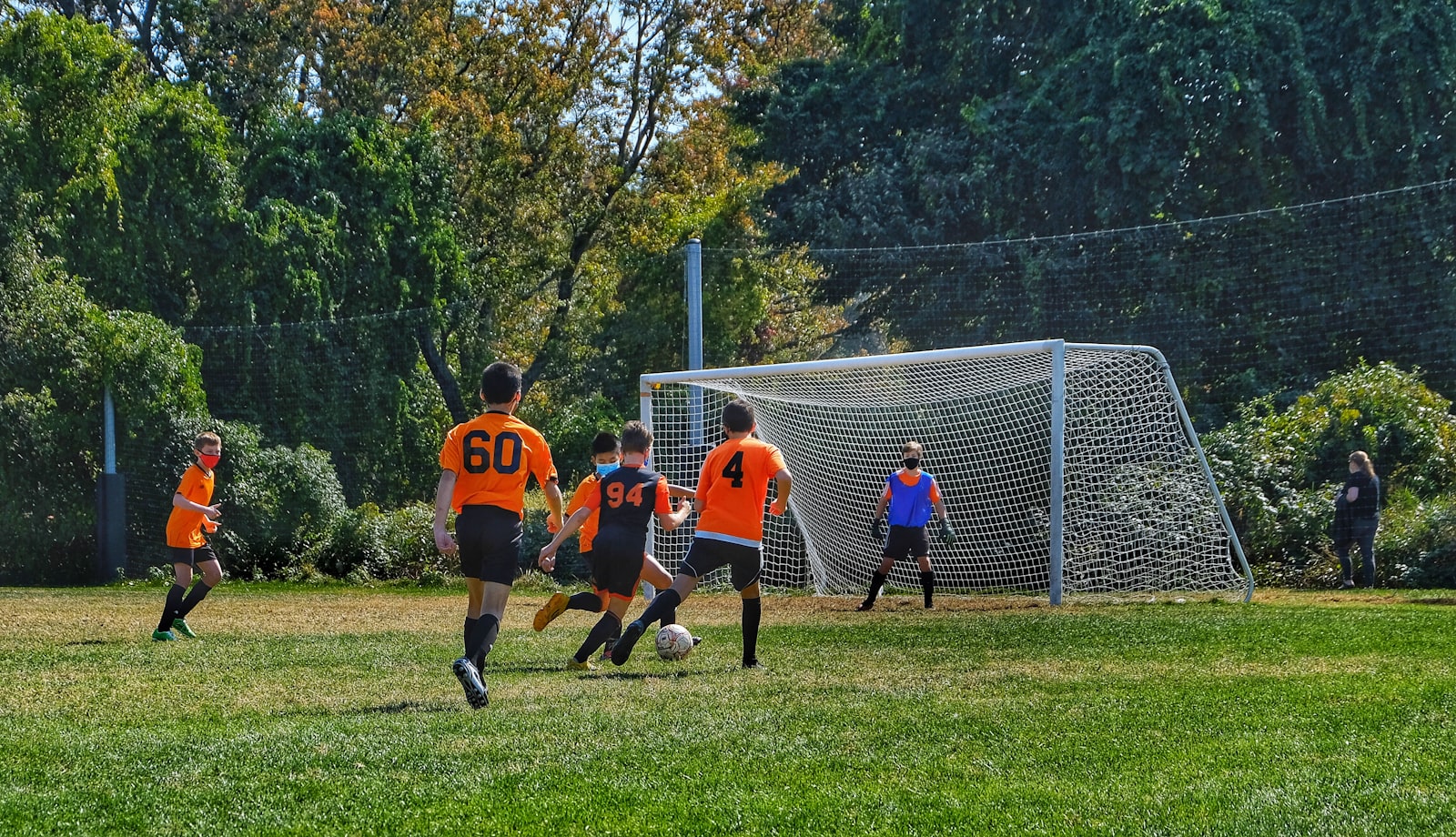
At a youth game every parent is filming their own child, so the goal, the save and the celebration end up scattered across a dozen phones that never get shared. Gooya fixes that with one QR code: every parent sends their clips and photos to a single team gallery, so you finally get the angles you missed while you were watching your own kid play.
- *Six parents on the sideline = six angles of the same goal.
- *The play you missed because you looked down for one second.
- *No more 'can you text me that video?' after every game.
Where to put the QR
Put the code where the team already gathers.
For a youth sports team the QR earns the most scans at the places parents cluster: the snack table, the team bench or dugout, and pinned to the top of the team group chat. Print it on a small card the coach hands out at the first practice, and every parent is set for the whole season with one scan.
- *A card in the team welcome packet at the first practice.
- *Pinned in the team group chat so it's always one tap away.
- *On the snack-table sign — everyone stops there.
Photos, videos and voice
The ten-second clip beats the blurry action photo.
Youth sports moments happen fast, and a still rarely catches them. Gooya captures tap-for-photo and hold-for-video, so a parent can grab the ten-second clip of the breakaway, the buzzer-beater or the whole bench erupting. Add a voice message and a grandparent who couldn't travel can still cheer the team on.
- *Tap for a photo, hold the shutter for a short video.
- *Slow-motion-worthy plays, kept at full resolution.
- *Voice notes from grandparents who watched the livestream.
Gooya vs the team group chat
A group chat buries the season; Gooya keeps it.
Most team photos die in a busy group chat — compressed, buried under schedule messages, and impossible to pull together at season's end. A QR gallery collects every parent's originals in one private place the coach or team parent owns, with a one-click download when it's time to make the end-of-season slideshow.
- *Full-resolution originals, not compressed chat copies.
- *One gallery for the season, not a scroll of lost threads.
- *Download everything at once for the team banquet.
One code, all season
Set it up once, use it every Saturday.
You don't need a new link for every game. Keep one team gallery running for the whole season so photos and videos from every match, tournament and practice land in the same place. Guests are unlimited on the paid plans, so every parent, grandparent and the coach can contribute without anyone running out of room.
- *One QR code covers every game and tournament.
- *Unlimited parents — no per-guest charge, no cap to hit.
- *The gallery grows all season into one highlight reel.
After the season
Download the season for the banquet — and the coach.
When the season ends, export the whole gallery in one ZIP — full-resolution photos and videos you own. It's everything you need for the end-of-year slideshow, a team gift for the coach, or just a folder each family keeps. Keep the vault active to bring it back next season, or archive it wherever you like.
- *One-click ZIP of the whole season's originals.
- *Perfect source material for the banquet slideshow.
- *A ready-made thank-you gift for the coach.